
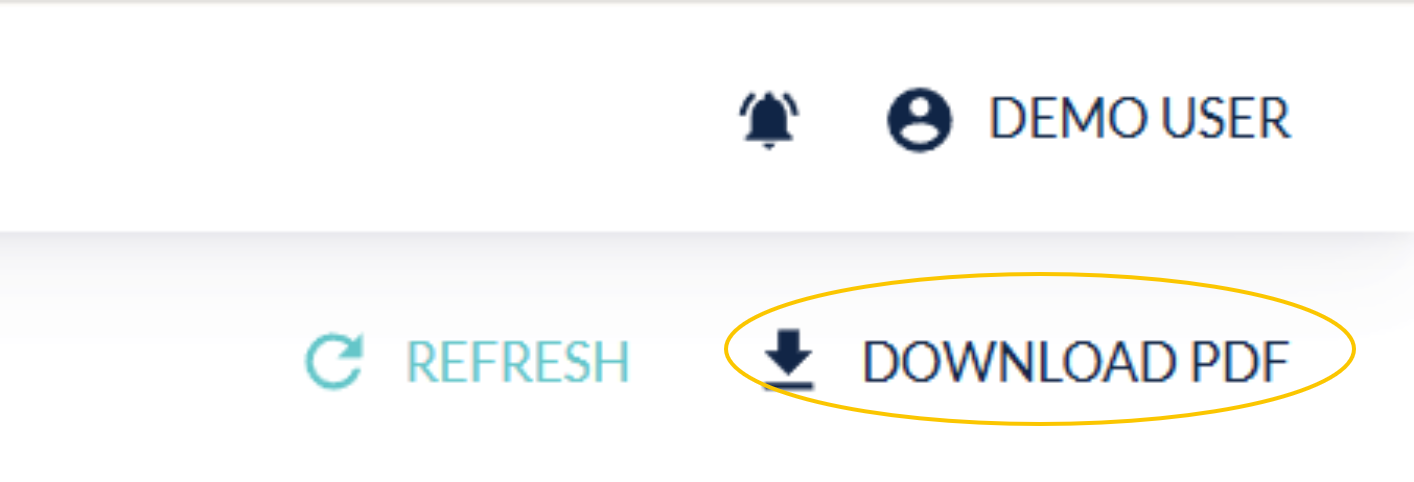
When you select “Download PDF” from your logbook screen, you will be redirected to this new Reports page.
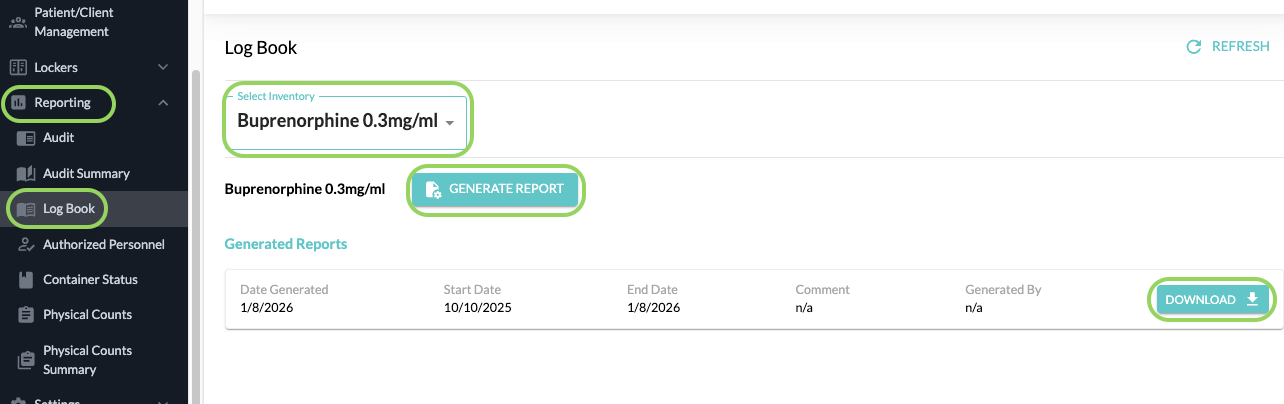
This page will allow you to generate a new Logbook report and also view previously generated reports, similar to the Audit report.
You can select All Drugs or a specific drug from the dropdown menu and click on Generate Report.
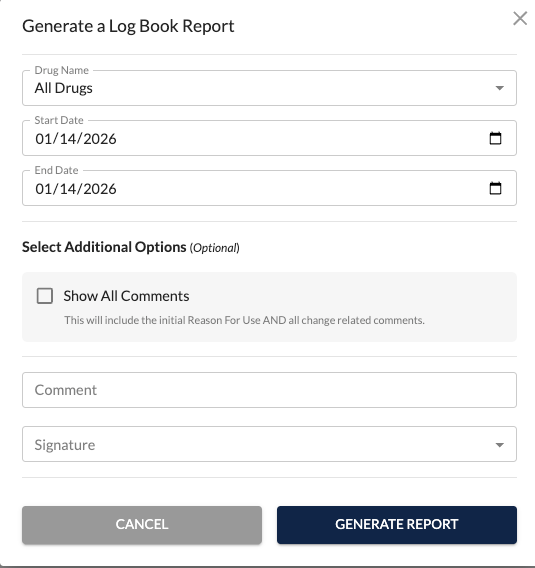
You will then enter a custom date range. A comment and a signature is now also required when generating a logbook PDF.
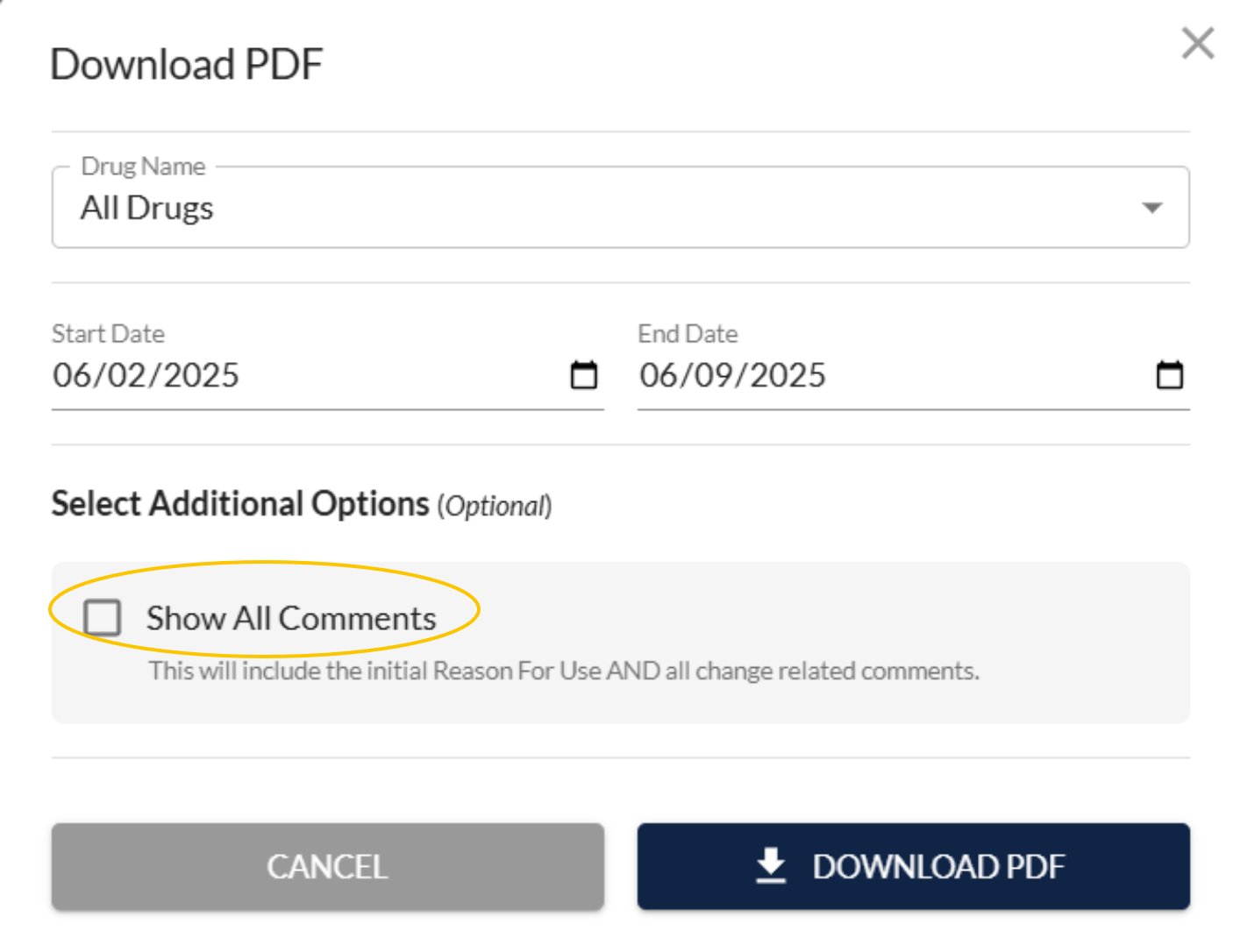
When printing/downloading your logbook, you are able to select the checkbox Show All Comments. This will display the history of all comments for each log entry in the printout/pdf.
Privileged and confidential. For VetSnap approved use only. Copyright © VetSnap Corporation. All rights reserved. Not to be distributed, reproduced, modified, or used to create derivative works without explicit written permission from VetSnap Corporation. VetSnap is not a DEA consultant and does not provide legal or regulatory advice regarding controlled substances.